 by
by 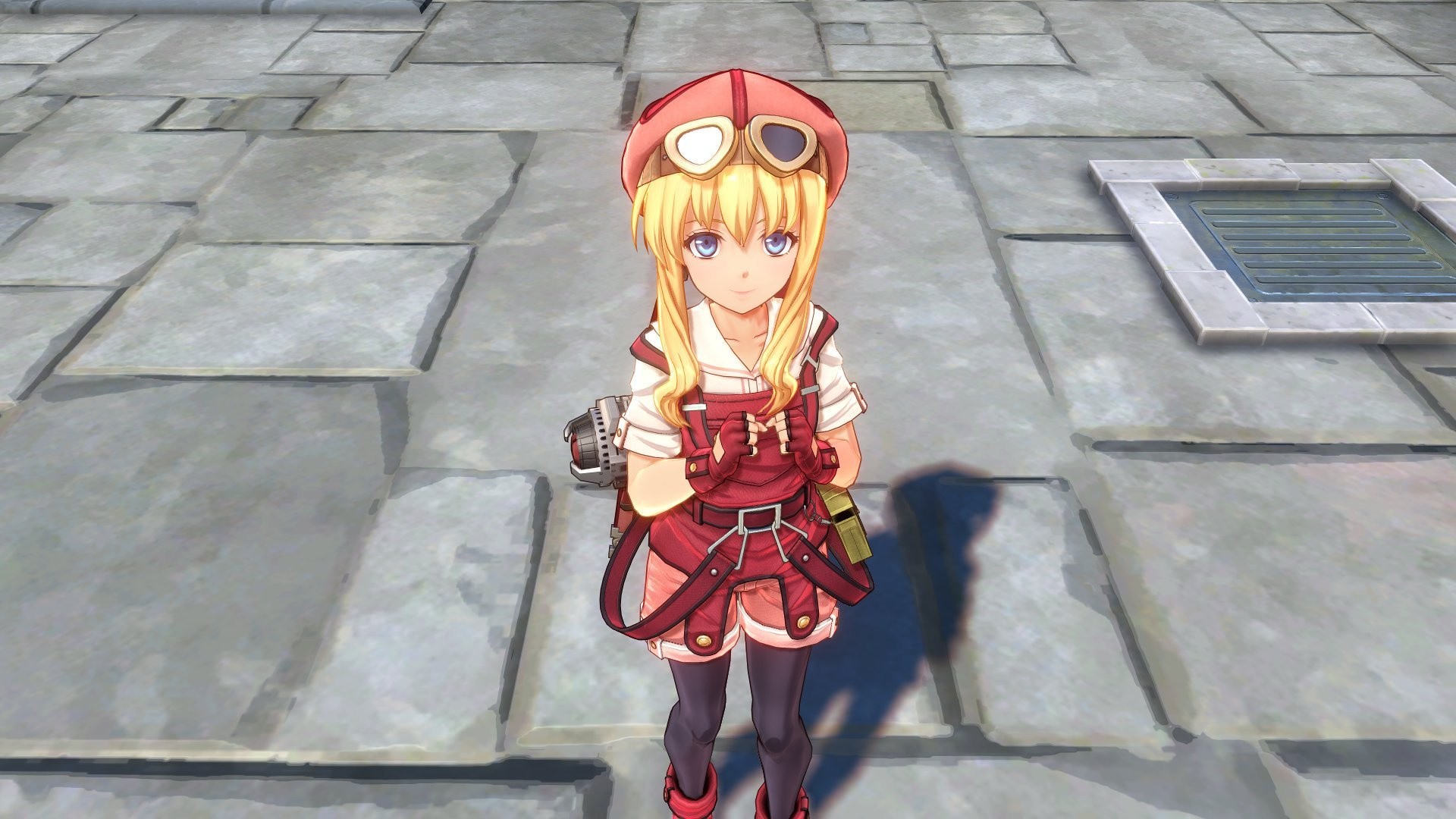
Beloved JRPG remake Trails in the Sky 1st Chapter has deployed update v1.05 adding some new features to the fan-favourite release.
Among the inclusions are a first-person view mode and the ability to hide the user interface.
Here’s the commands you’ll need to use to take advantage of each feature:
- First-Person Mode
- R1 + L2
- Hide User Interface
- R1 + R2
Other improvements to the game mentioned in the patch notes include:
- Added options to adjust text speed and text auto-advance speed.
- Corrected various text errors.
- Fixed other miscellaneous bugs.
Subscribe to Push Square on YouTube172k
For those of you who haven’t been following this game, it’s a complete remake of a PSP classic that’s been attracting rave reviews.
Here’s what we said about it:
Falcom has outdone itself with Trails in the Sky 1st Chapter. This is an incredibly heartfelt recreation of a classic RPG — a remake that retains all of the charms of the original game, while also delivering one of the best, most polished adventures in the entire franchise.
You can learn more in our Trails in the Sky 1st Chapter PS5 review. But do let us know in the comments section if these improvements appeal to you.