 by
A standard of modern video games, the auto save system in GTA 6 doesn't quite work how — or at least how frequently — you'd expect it to. In this GTA 6 guide, we are explaining the auto save system, and looking at how it works and how often it auto saves.
GTA 6 Auto Save Explained - How It Works & How Often It Auto Saves
First off, let's be clear: GTA 6 does have an auto save system.
Your game and progress through the open world is auto saved regularly. However, those auto saves aren't as frequent as you would normally expect them to be. Whereas most games will auto save after almost every objective completion or important moment in a mission, GTA 6 doesn't.
Subscribe to Push Square on YouTube172k
Instead, the game usually only creates an auto save at the end of a mission. There are other situations where an auto save is created, but unless you're doing missions back to back, then GTA 6 won't be reliably saving your progress via an auto save.
As far as we can tell, the game only keeps a single auto save at any one time — it's constantly overwriting that auto save rather than creating a list of them you could go back to.
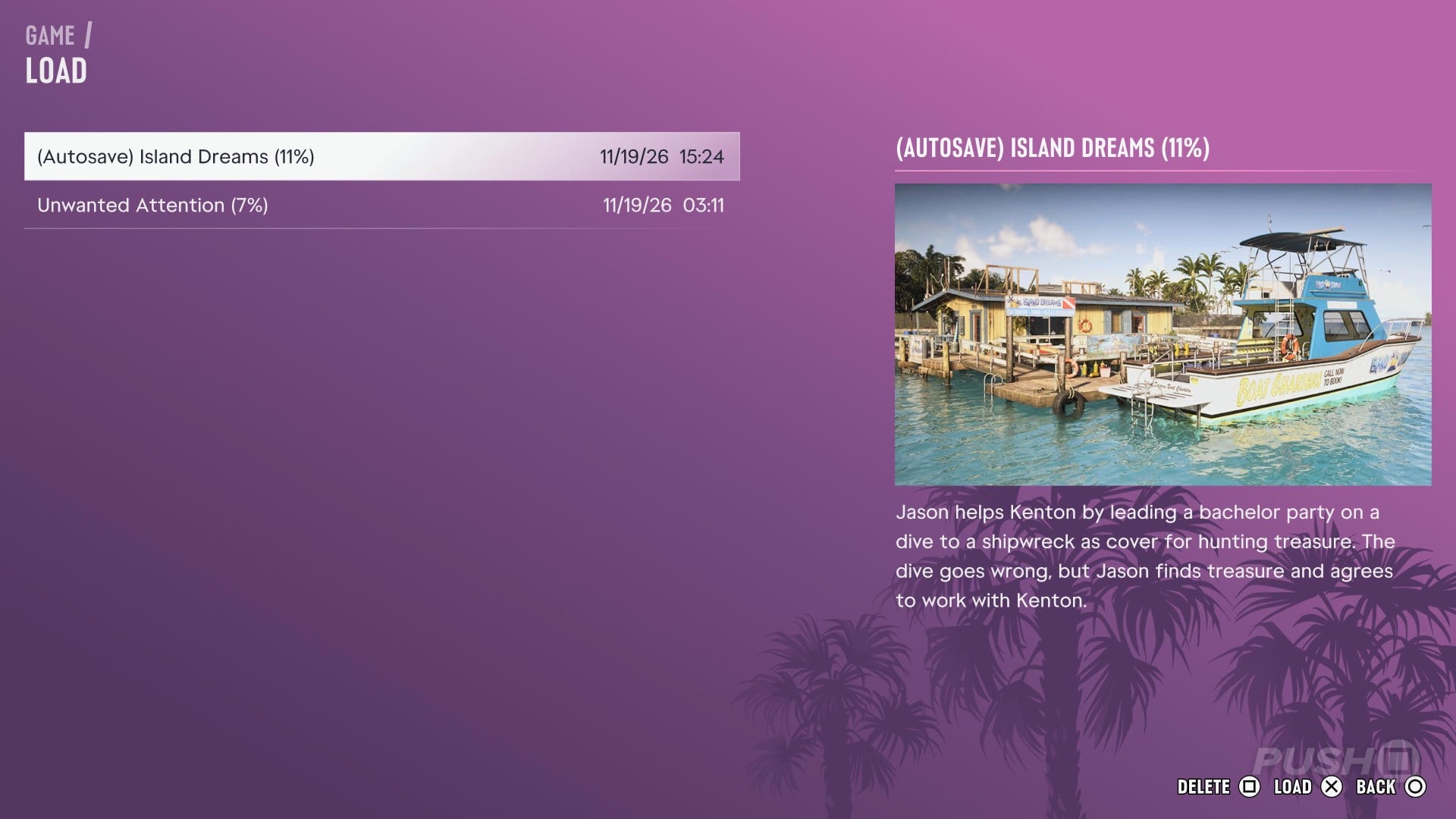
Also, when you are in a mission, you can't create a manual save. You need to rely on the auto save if you quit out of the game. This is how some people are losing hours of progress.
How to Save Your Game in GTA 6
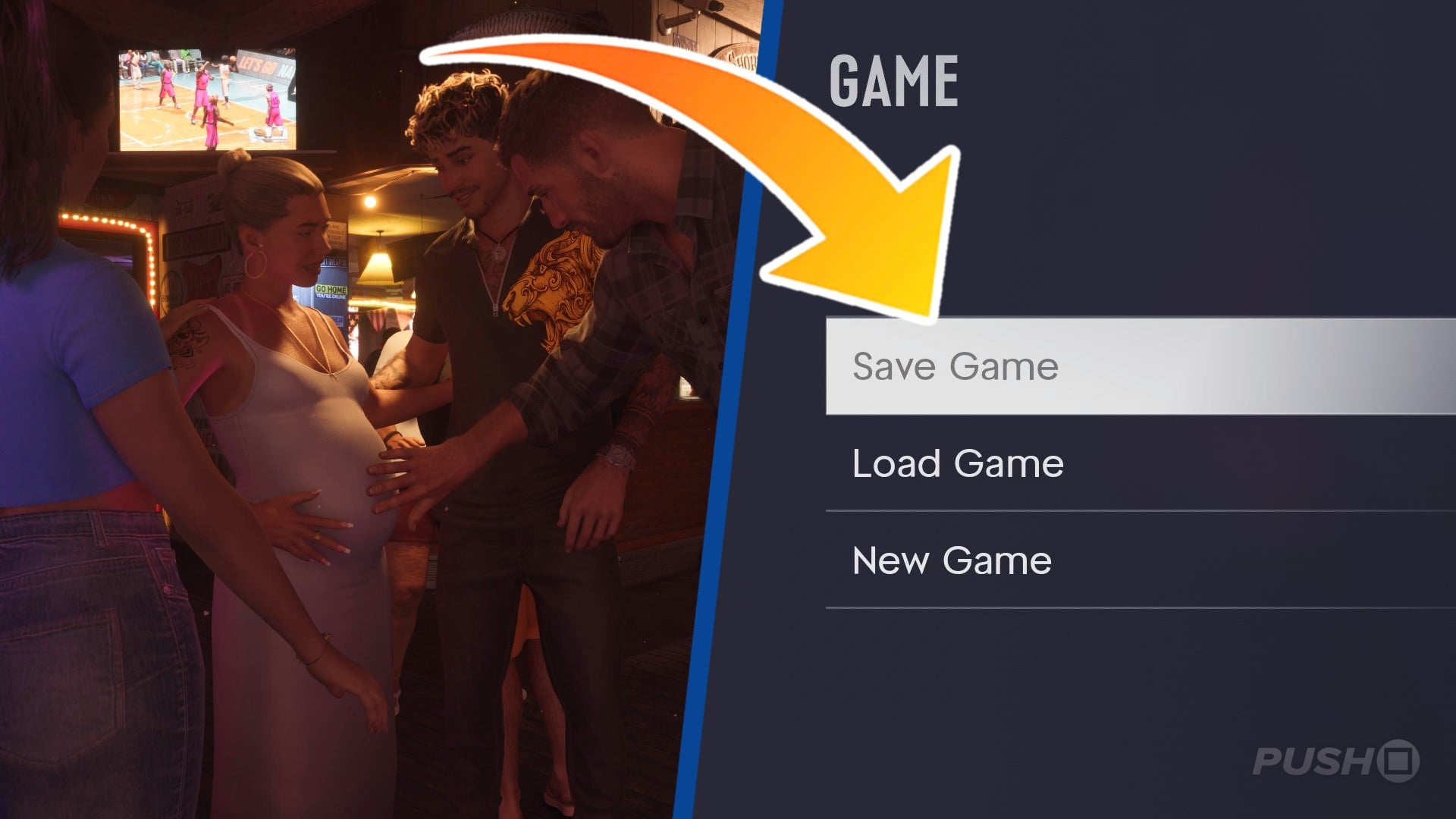
When you're not in a mission and working with the game's auto save system, you can create a manual save from the pause menu.
Here's how: Game > Save Game

This will create a full manual save that keeps all your progress. Before you quit the game, we strongly recommend you create one of these manual saves to ensure you don't lose any progress once you return to the game. Use this function in combination with the auto save system to keep all your progress in GTA 6.
Did you find our auto save explained guide for GTA 6 useful? Let us know in the comments below then and check out our GTA 6 guide for so much more help and information.


Comments 0
Wow, no comments yet... why not be the first?
Leave A Comment
Hold on there, you need to login to post a comment...